Documentation
Everything you need to know about using SafeArbitrage.
DashboardAccount ManagementSubscription & PointsRechargeAffiliate ProgramRecommended StrategiesCryptoTail Strategy ConfigParameter TemplatesTrading Data & StatisticsMarket DiscoveryAI Prediction ComparisonTrader RankingCopy TradingBacktesting EngineSettings
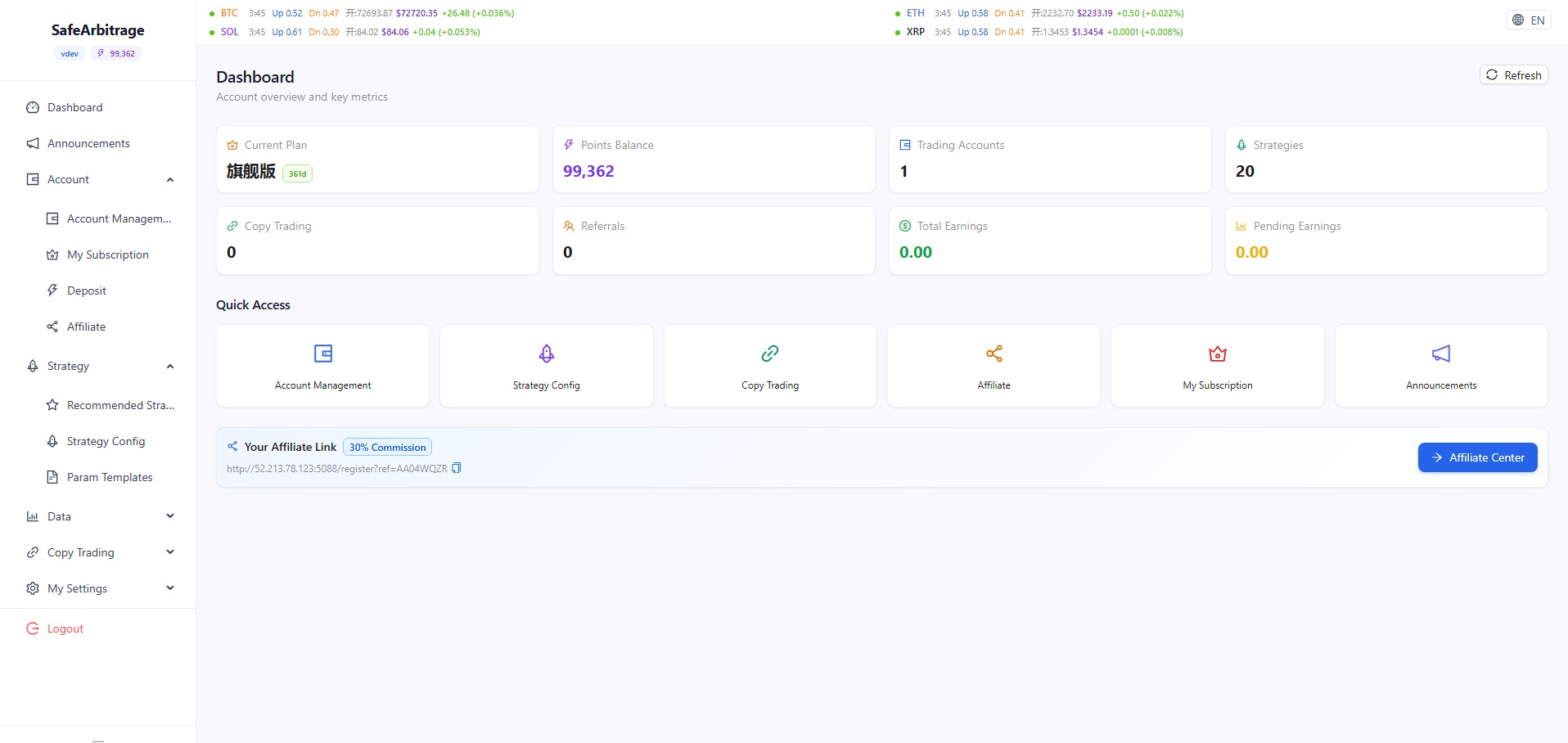
Dashboard
Account overview and quick navigation
- View current plan, points balance, bound accounts, strategy count, copy-trade configs, and referral stats at a glance
- Quick navigation buttons for Account Management, Strategy Config, Copy Trading, Affiliate, Subscription, and Announcements
- Exclusive referral link with 30% commission displayed at the bottom — one-click copy
- Top ticker bar shows real-time BTC, ETH, SOL, XRP prices with AI prediction probability
Account Management
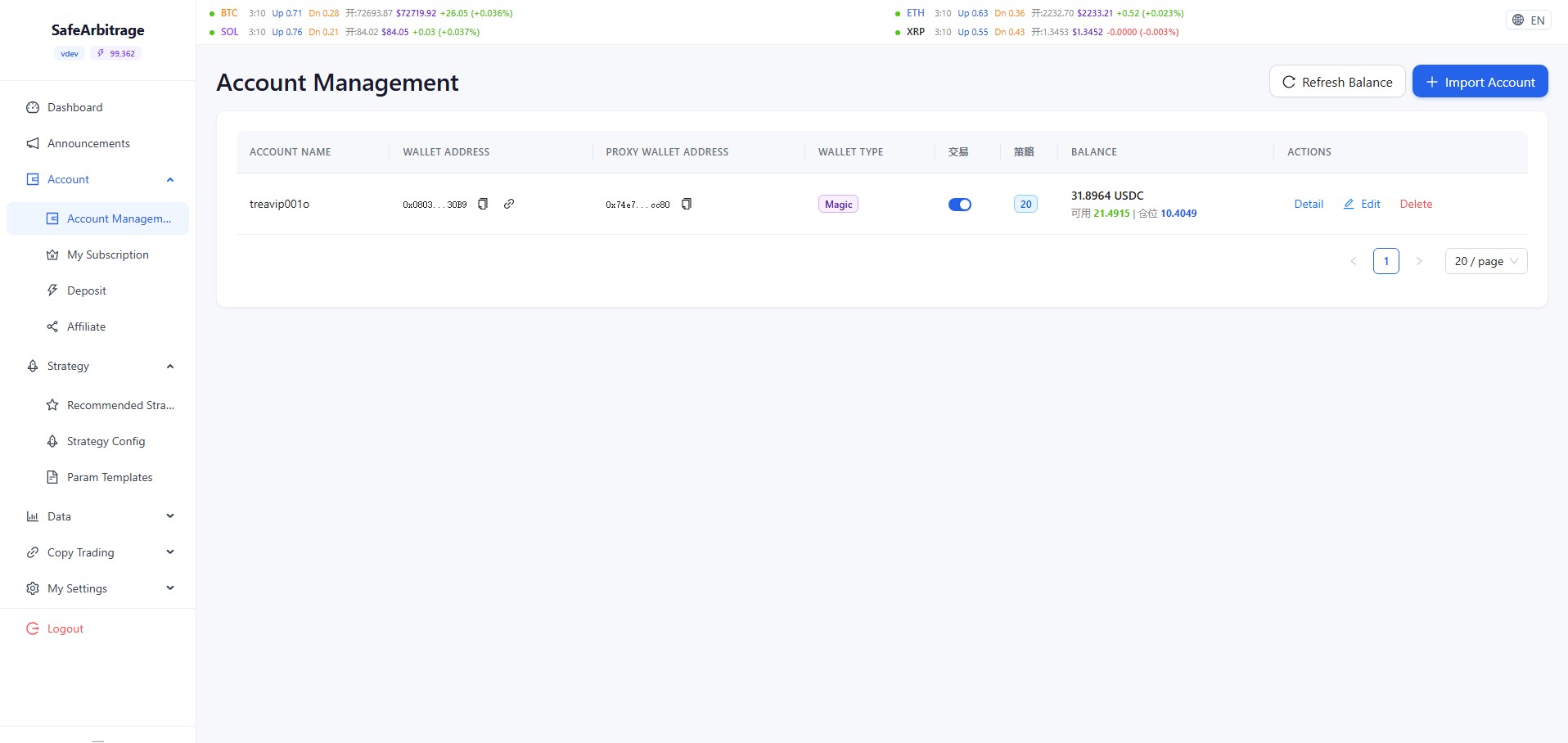
Manage Polymarket wallets
- View all bound Polymarket wallets with name, exchange, address, USDC balance, strategy count, and copy-trade count
- Refresh balances manually to sync on-chain data
- Account detail dialog shows full address, proxy wallet, setup checklist (deploy proxy, enable trading, approve tokens)
- One-click token approval for CTF contracts, exchange, and risk adapters
Subscription & Points
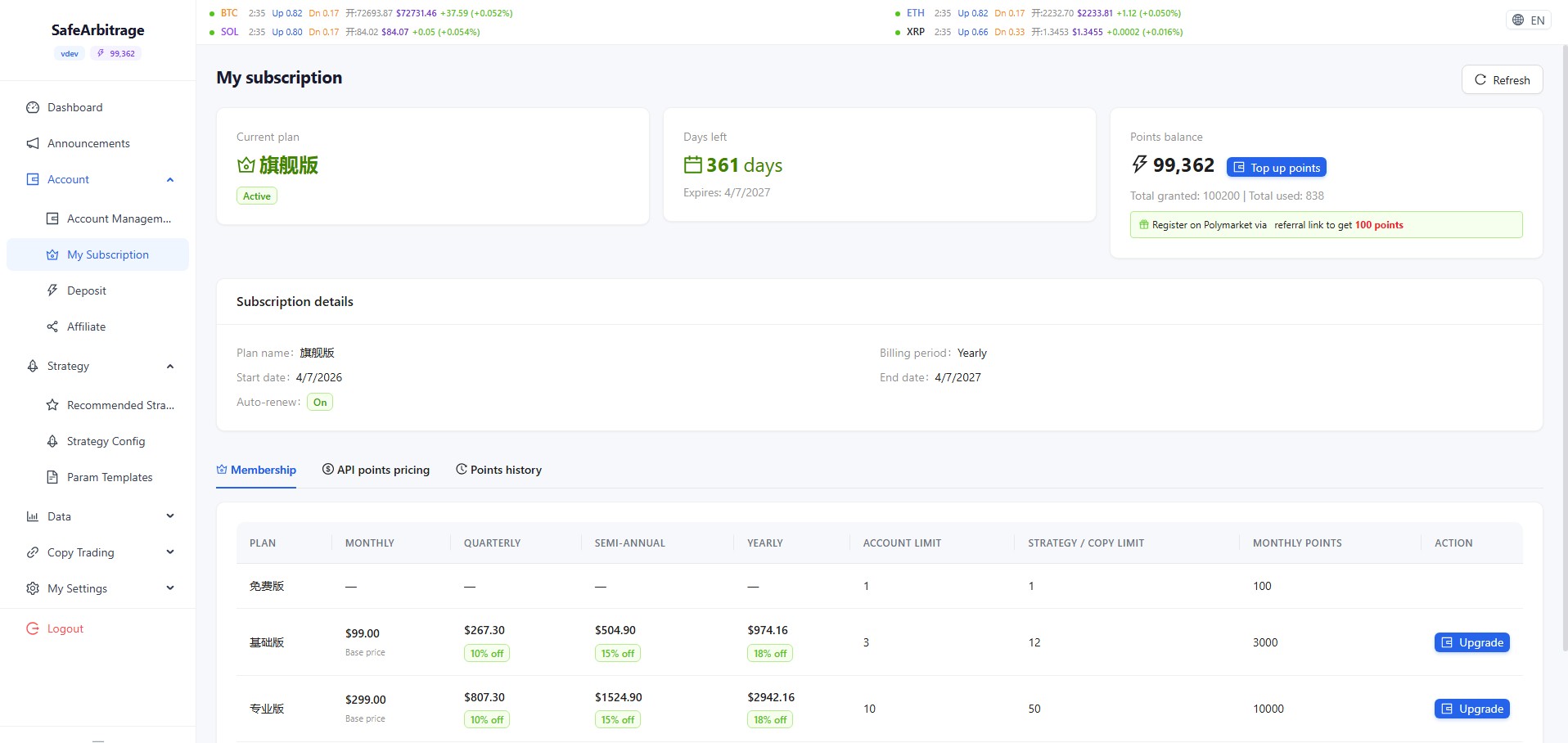
Plans, API costs, and point records
- View current membership tier (Basic/Pro/Flagship), expiration date, and included features
- API deduction table: Ranking free, Detail 1pt, AI cache 1pt, AI live 2pt, Prediction 2pt, Backtest 10pt/task; no repeat charges within 30 min
- Full points transaction log: income (recharge, referral commission) and expenses (AI analysis, trading)
Recharge
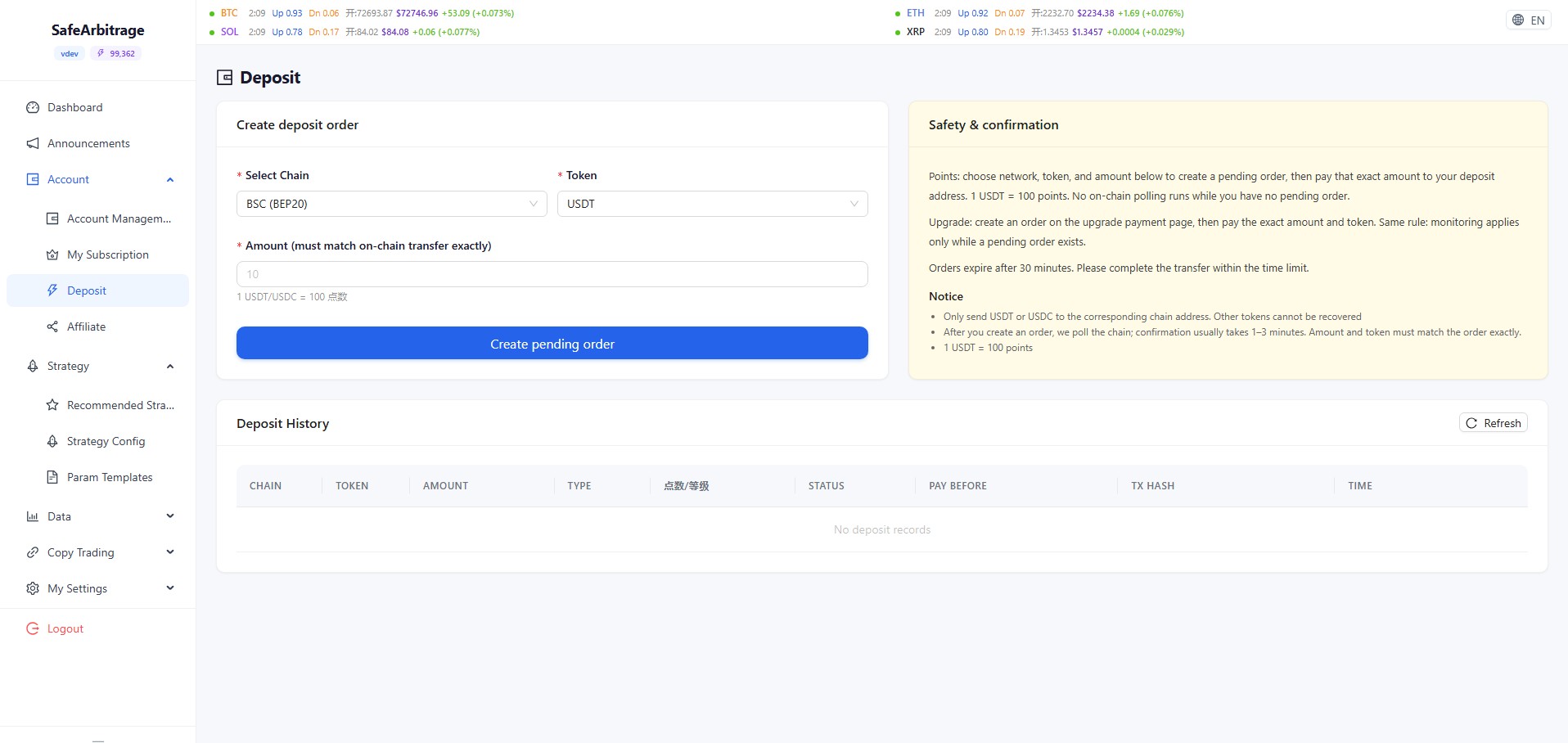
Top up points with crypto
- Select chain (BSC BEP20, etc.) and currency (USDT or USDC)
- Exchange rate: 1 USDT/USDC = 100 points
- Generate a payment order with a dedicated receiving address; order valid for 30 minutes
- Transfer amount must match exactly; arrival typically 1-3 minutes
- Recharge history table shows chain, currency, amount, status, tx hash, and time
Affiliate Program
Earn 30% recurring commission
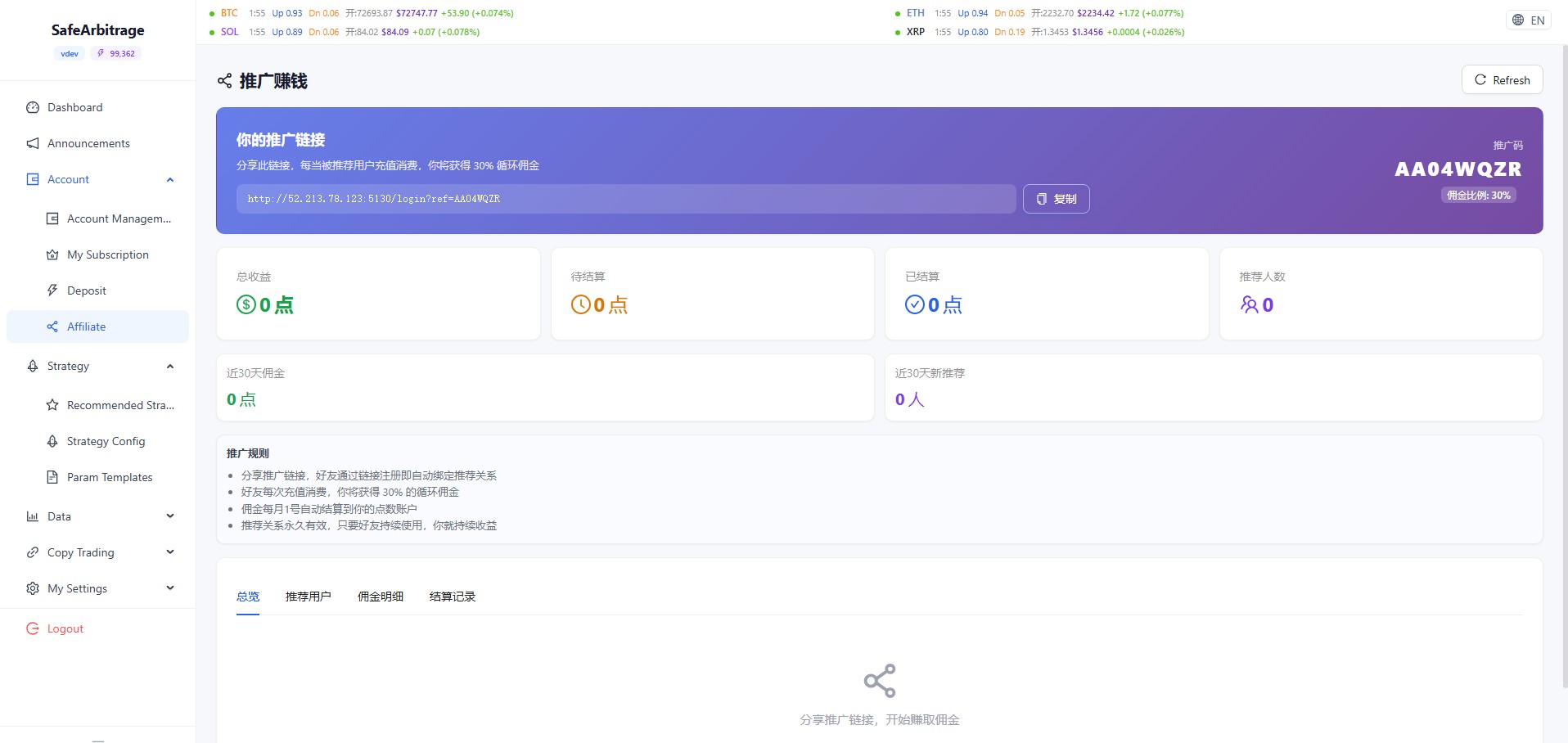
- Exclusive referral link and promo code — one-click copy
- 30% recurring commission on every referred user's consumption
- Stats cards: total revenue, pending, settled, referral count, 30-day data
- Four tabs: Overview, Referred Users, Commission Details, Settlement Records
- Commission auto-settles on the 1st of each month; referral relationship is permanent
Recommended Strategies
Admin-curated CryptoTail configs
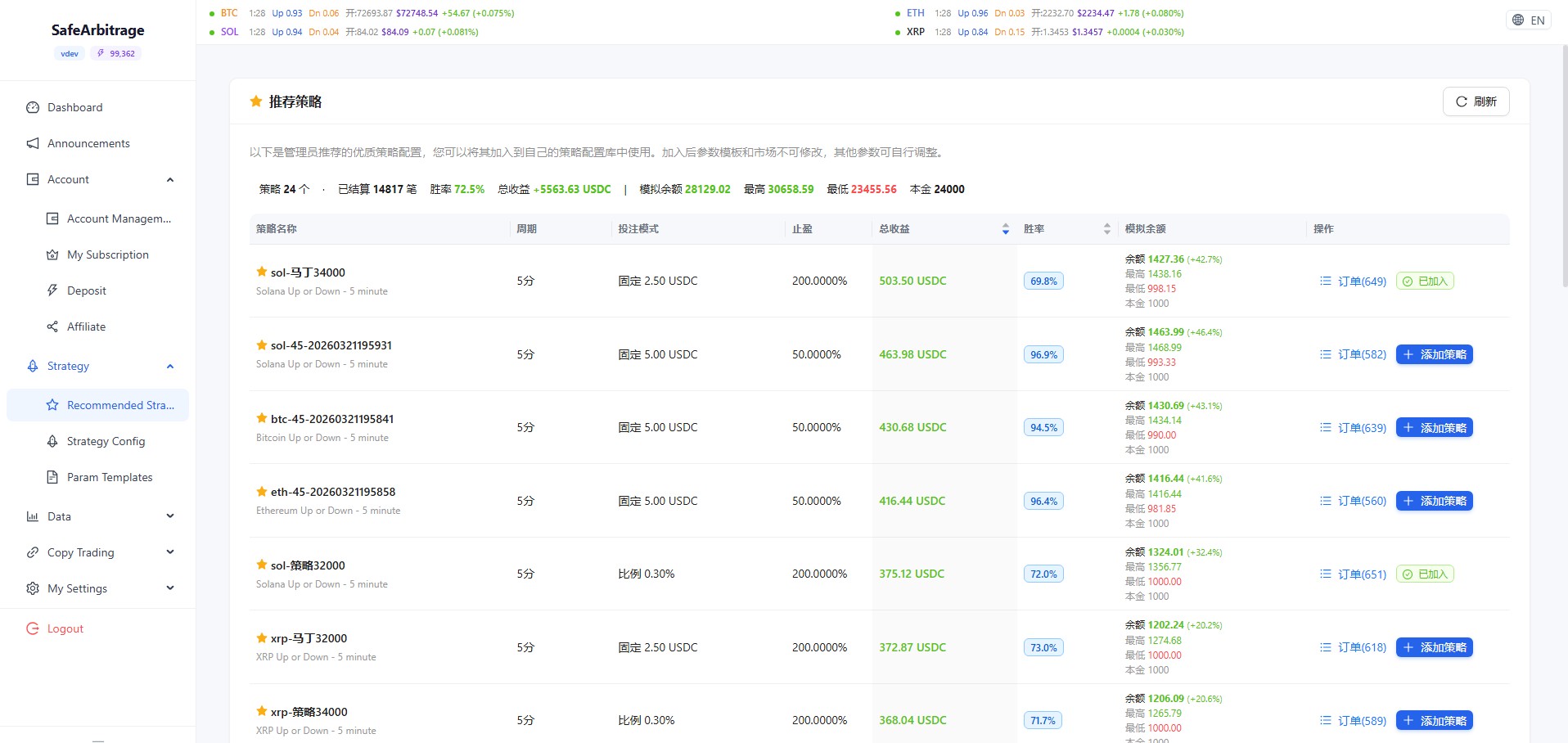
- Browse admin-recommended high-quality strategy configurations
- Each strategy shows name, cycle, betting mode, take-profit, total profit, win rate, and simulated balance
- One-click subscribe to copy parameters into your own strategy config; template and market are locked after import
CryptoTail Strategy Config
Automated strategy management center
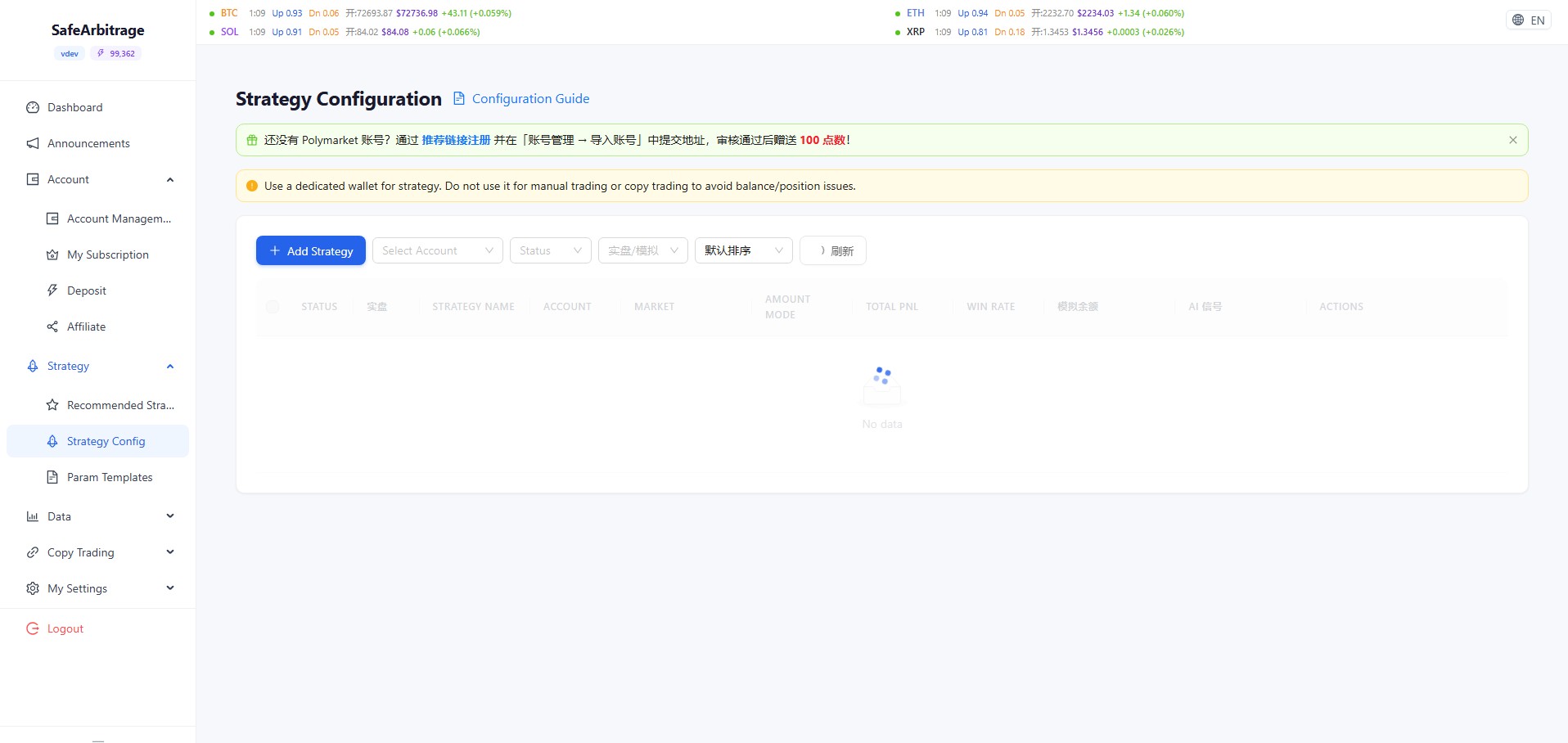
- Create new strategies with customizable entry/exit, market selection, and AI signal integration
- Filter by account, status (running/stopped), live/demo
- Strategy list shows status toggle, live flag, name, account, linked markets, investment method, total P&L, win rate, AI signal
- Important: use a dedicated wallet per strategy to avoid manual trading interference
Parameter Templates
Reusable strategy parameter presets
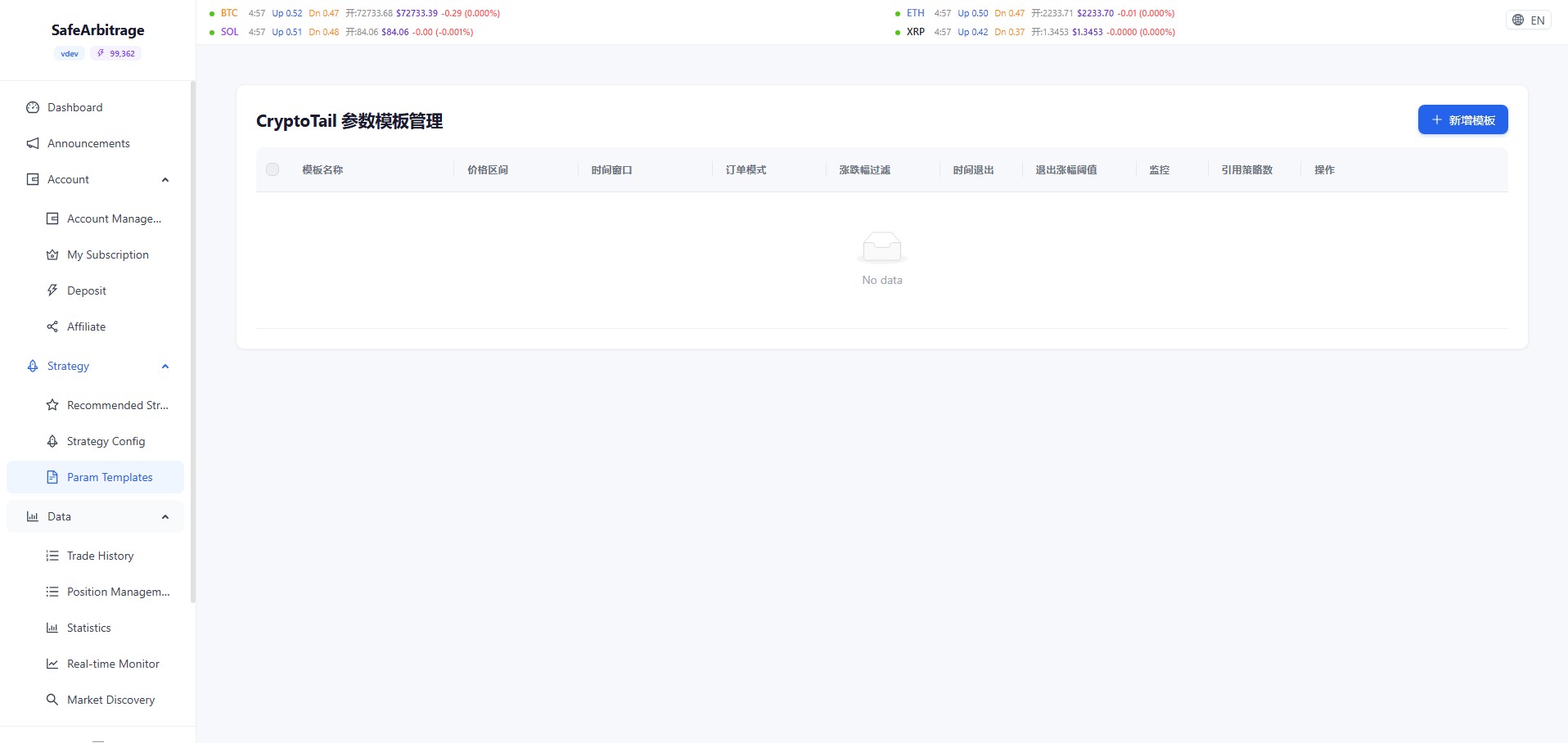
- Pre-configure price range, time window, order mode, price-change filter, time-based exit, exit threshold, monitoring
- Save templates and quickly apply them when creating new strategies
- Track how many strategies reference each template
Trading Data & Statistics
History, positions, stats, and monitoring
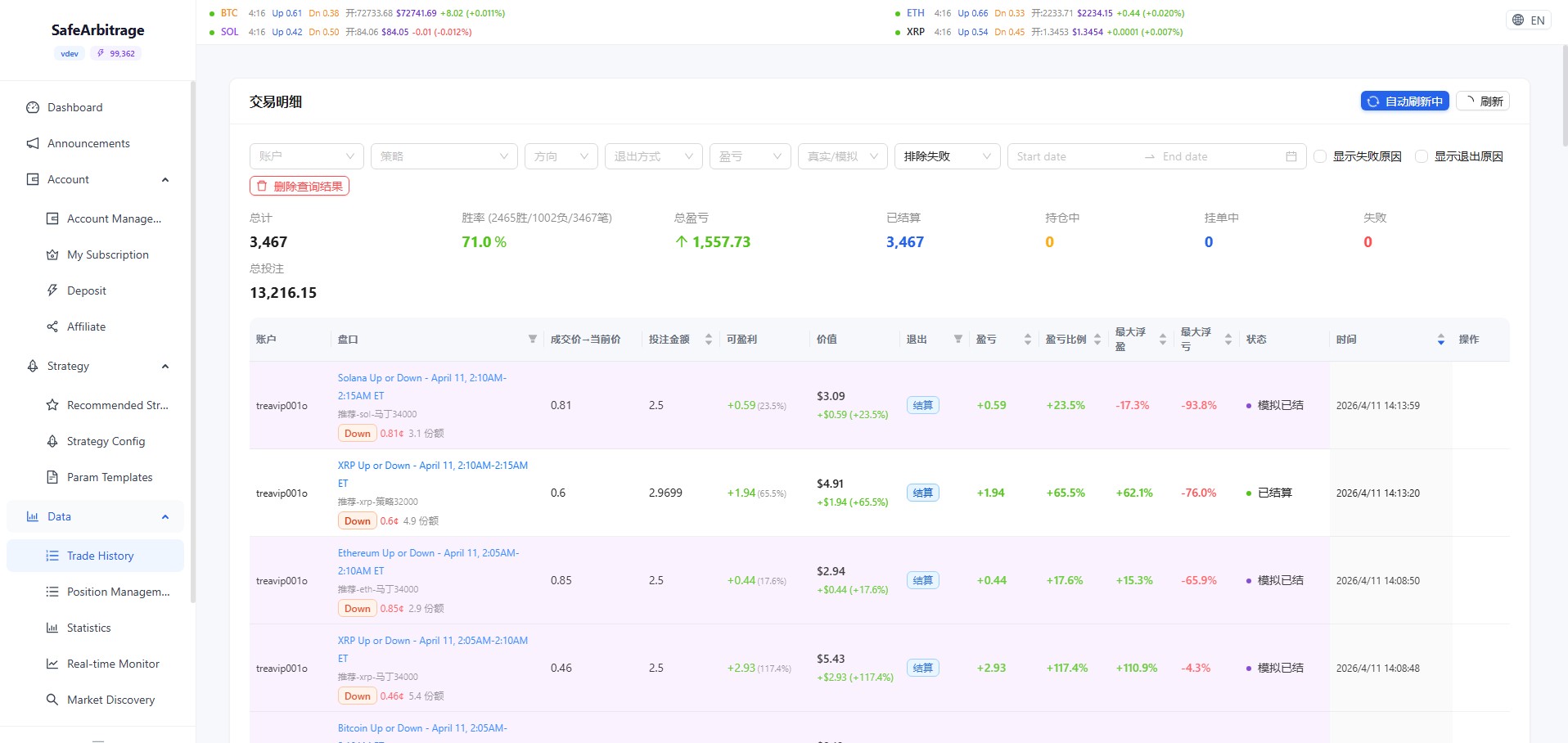
- Trade History: total trades, win rate, total P&L with detailed per-trade records (market, direction, amount, price, P&L, time)
- Position Management: real-time current and historical positions with list/card view toggle, per-account filtering
- Statistics: 8 KPI cards (total P&L, win rate, trade count, avg P&L, max win, max loss, total volume, avg per trade), exit method & direction distribution charts
- Real-time Monitor: select a strategy to view live execution logs and trading behavior
Market Discovery
Browse and search Polymarket events
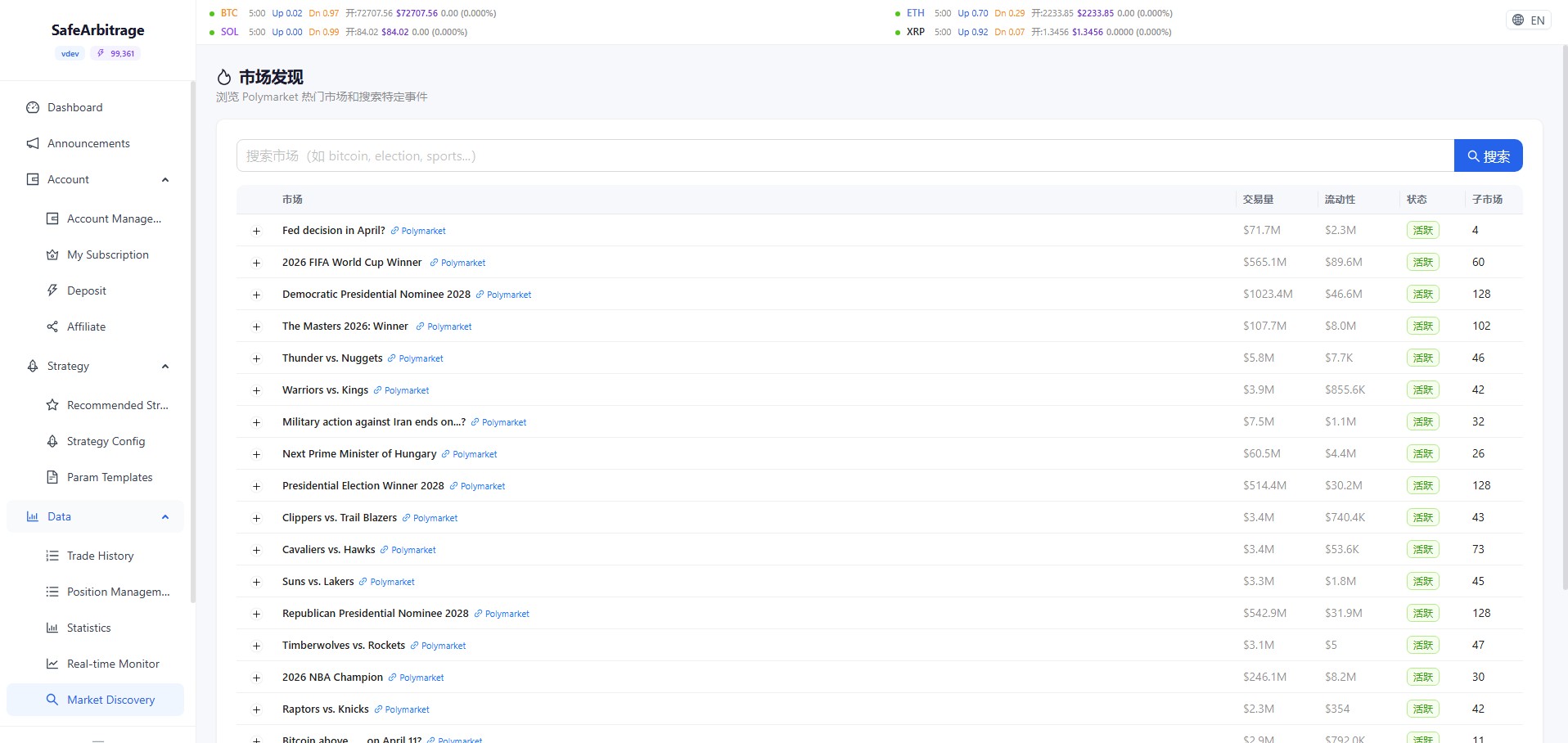
- Search markets by keyword (bitcoin, election, sports, etc.)
- View market title, trading volume, liquidity, status, and sub-market count
- Expand any market row to see all sub-outcome details with current prices
AI Prediction Comparison
Compare AI predictions vs market prices
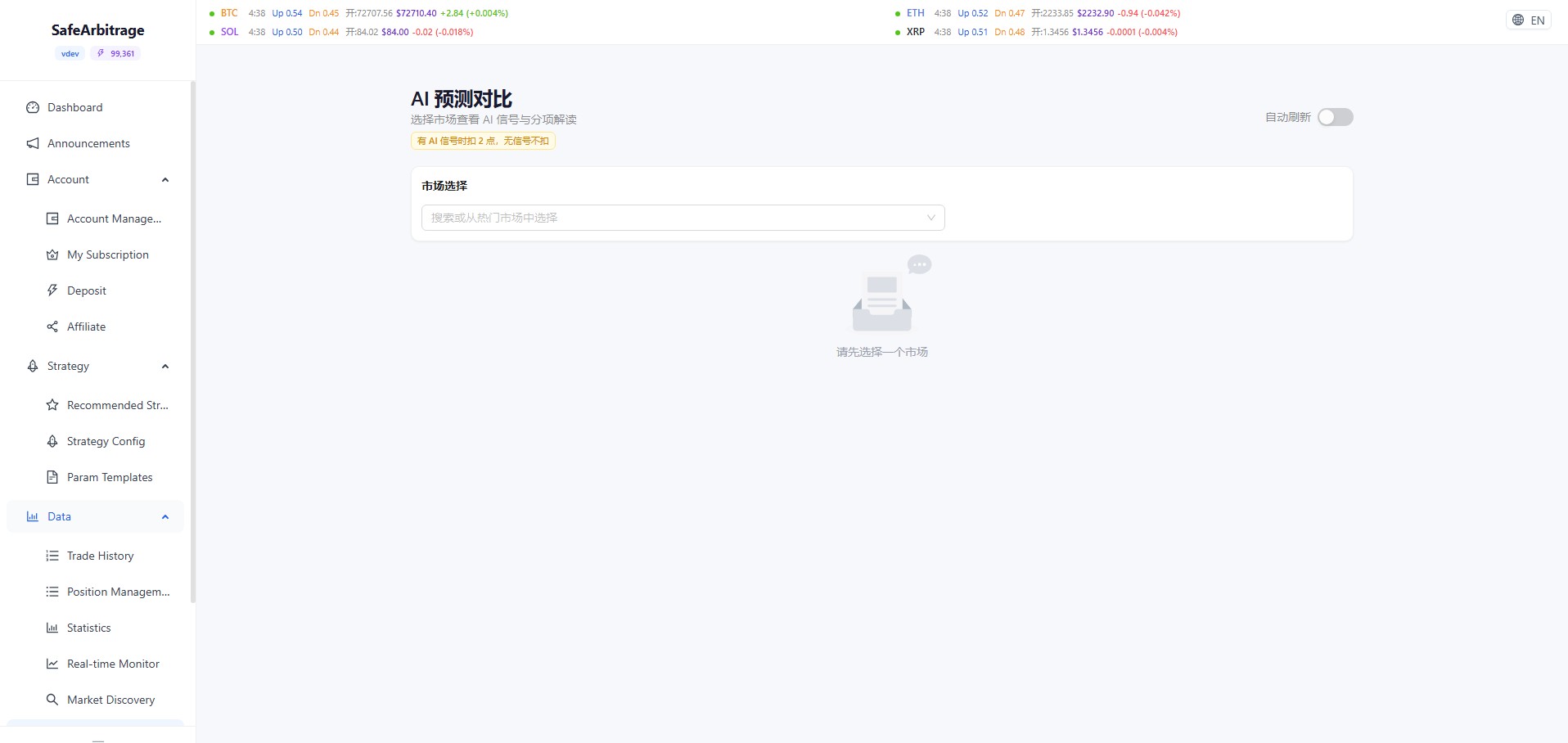
- Select a target market from the dropdown
- View AI model predictions for each outcome's probability
- Compare against current market prices to identify potential arbitrage opportunities
- Billing: 2 points when AI signal available, free when no signal
Trader Ranking
Polymarket leaderboard and per-trader actions
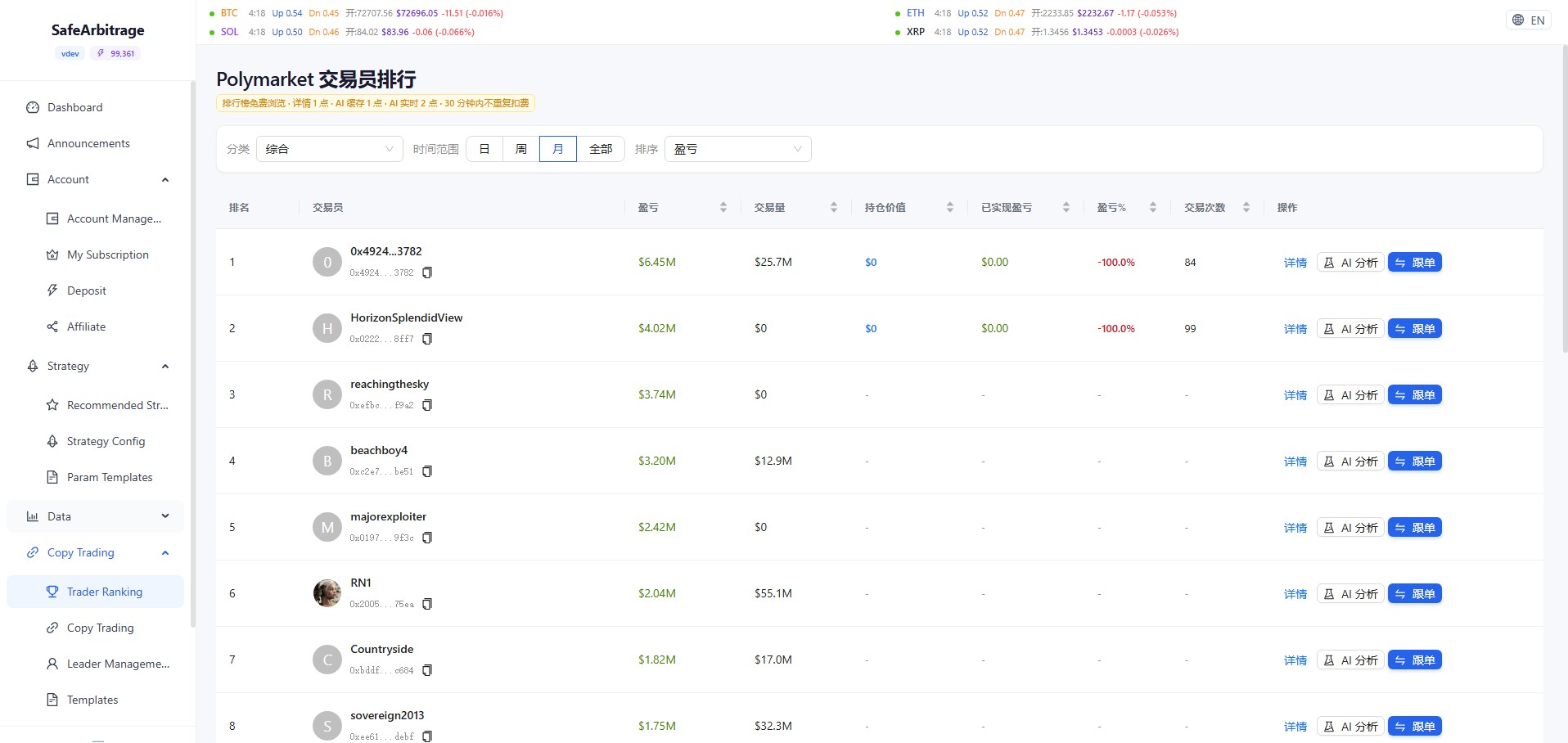
- Browse leaderboard with PnL, volume, position value, realized PnL, trade count; free to browse, detail/AI billed per rules
- Filter by category (e.g. overall), time range (day/week/month/all), and sort (e.g. by PnL)
- Per row: Details (1 pt), AI Analysis (cached/live points), Quick Copy to create a copy config
Copy Trading
Manage copy configs, orders, leaders, templates
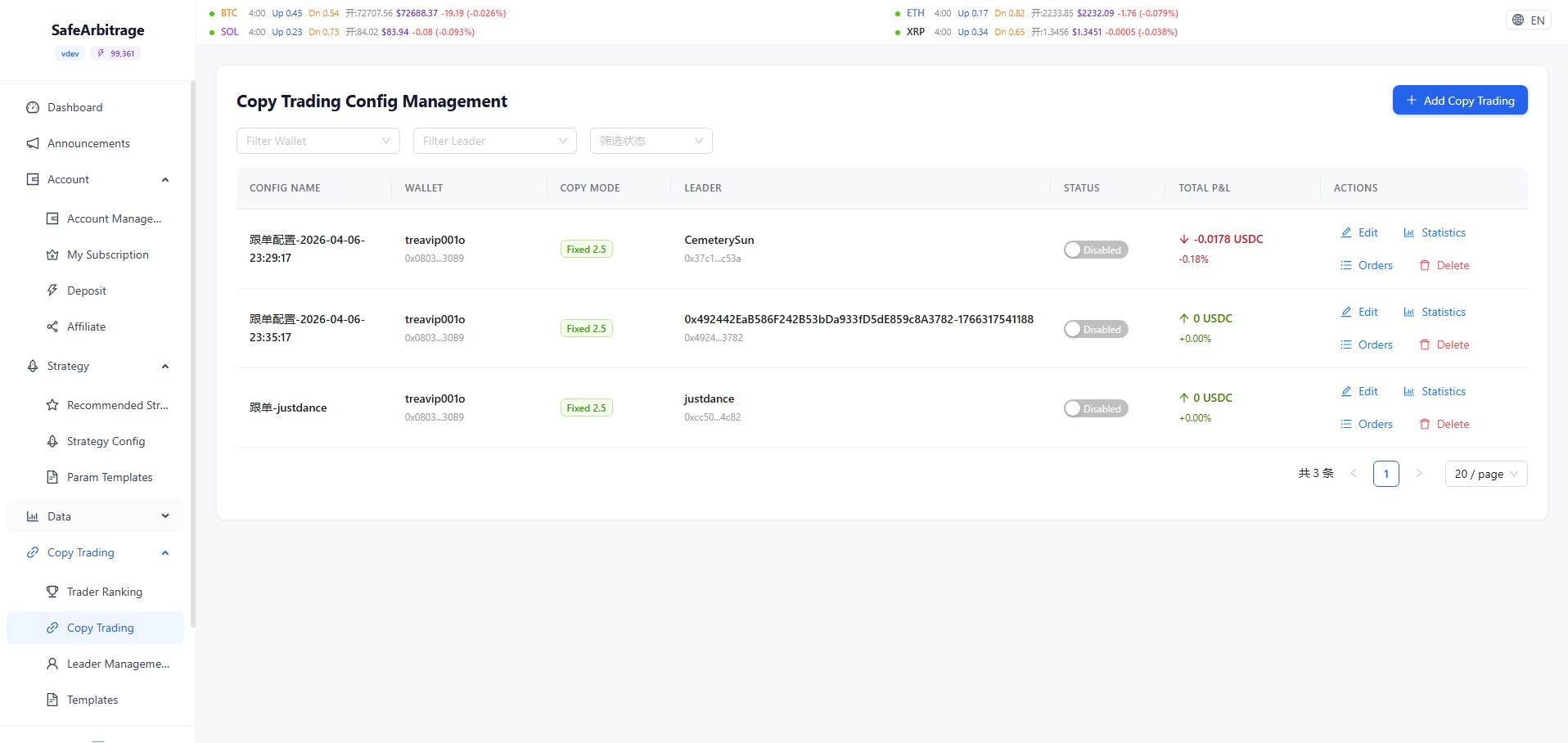
- Copy Config Management: create with “New Copy”, filter by wallet, Leader, and status; toggle enable per config
- Row actions: Edit, Stats, Orders (buy/sell/match/filtered), Delete
- Leader Management: add/remove leaders, view balance and linked configs
- Copy Templates: save presets for quick reuse when creating new configs
- Backtesting: simulate a Leader’s history (points per task)
Backtesting Engine
Simulate before going live
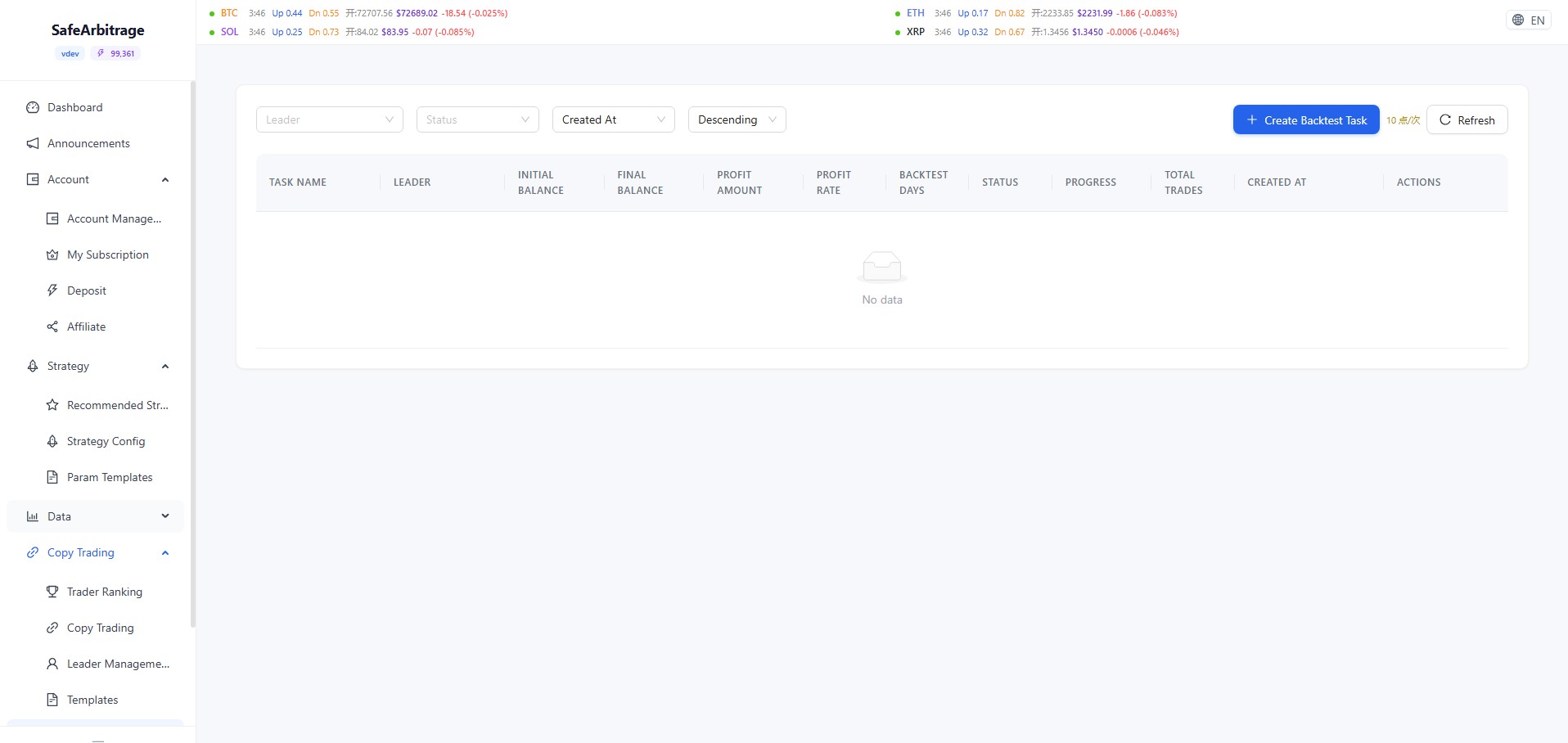
- Create backtest tasks: 10 points per task
- Set initial capital, select Leader, simulate based on their historical trade data
- Results include: final capital, profit amount, return rate, backtest duration, total trades
- Filter by Leader, status, and creation time
Settings
API keys, Gas wallet, and trading blackout
- Builder API Key: manage Polymarket Builder keys with call/failure counts and priority ordering
- Relayer API Key: bind keys to specific accounts (owner address must match); unbound accounts fall back to Builder pool
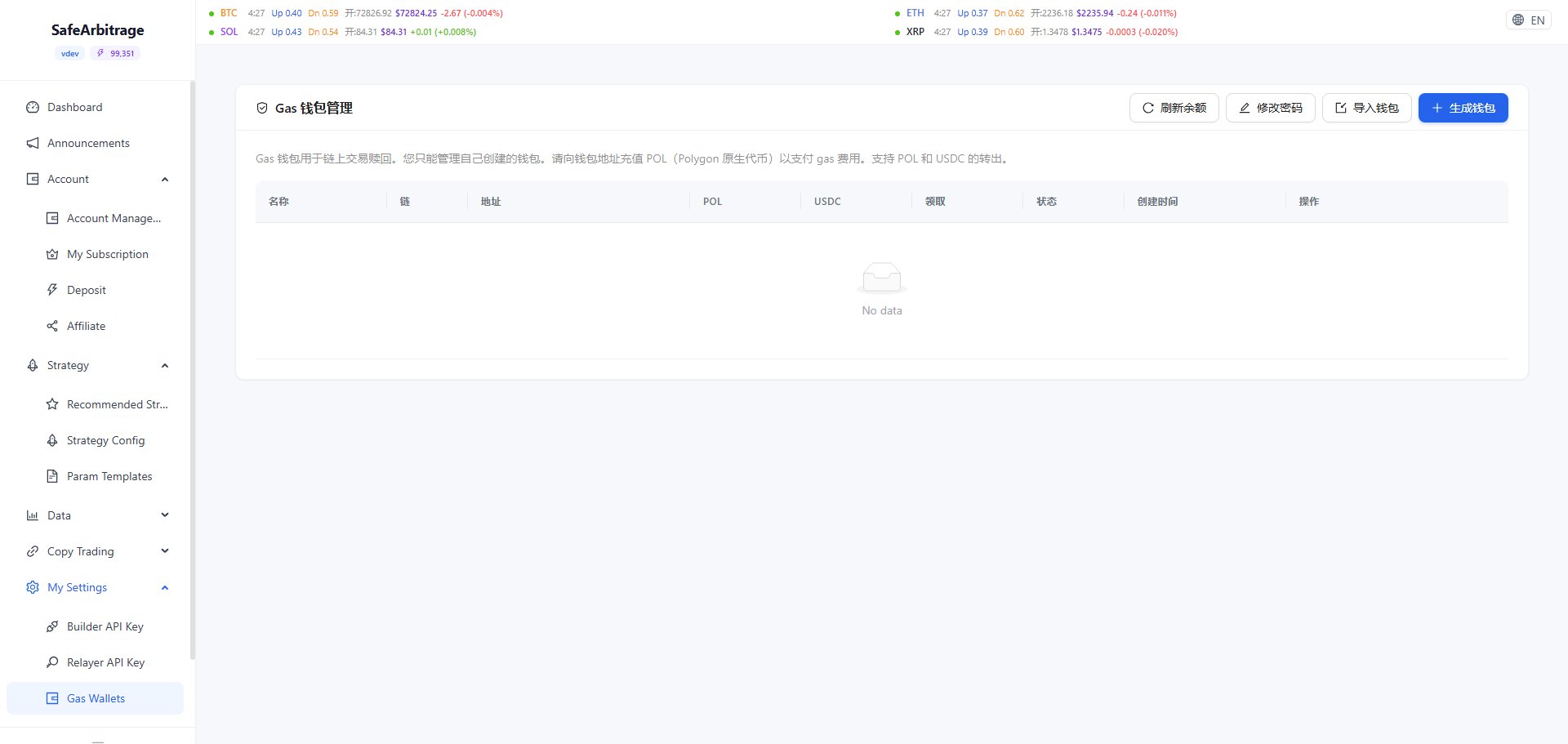
- Gas Wallet: manage Polygon gas wallets for on-chain redemption; import or generate wallets, top up POL for gas fees
- Trading Blackout: set global no-trade time windows (Beijing time, supports cross-midnight); all strategy trading paused during blackout
Need Help?
Can't find what you're looking for? Join our community for real-time support.